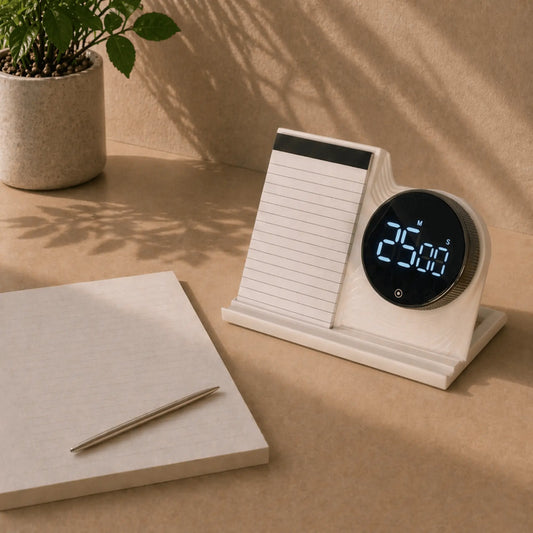
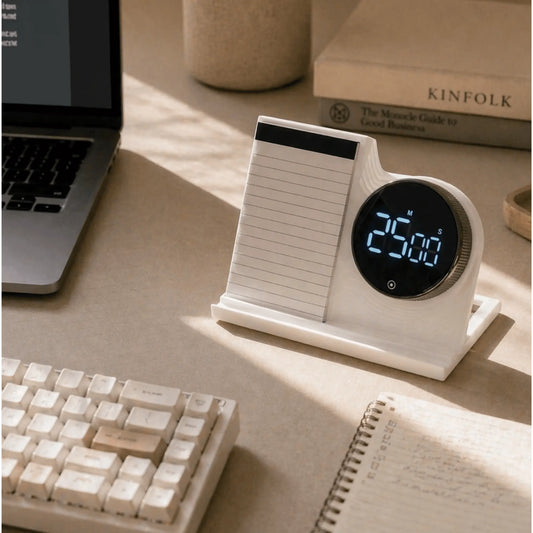
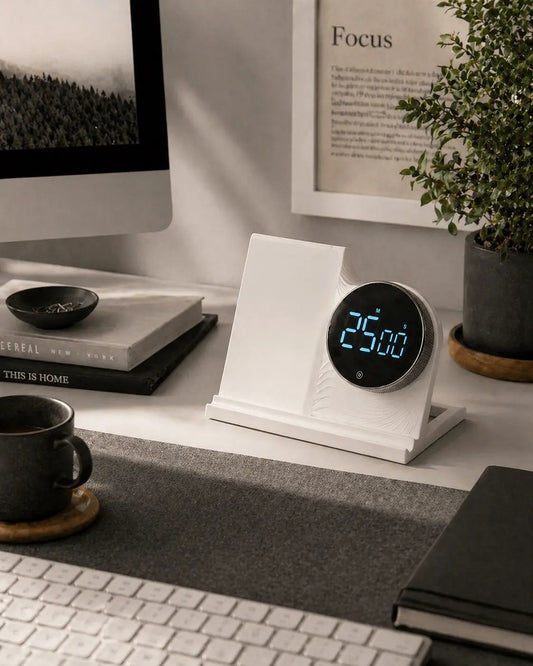
These focus tools are for the moments you drift between tabs, reach for your phone, or lose the first twenty minutes of a session. They are physical and simple, and they sit on your desk, so you can stay with one task without adding another screen.
The idea behind the whole collection is plain. The easiest way to stay focused is to take away the things pulling at your attention.
What are focus tools?
Focus tools are objects that support attention and concentration. Physical ones stay visible on your desk, ask nothing of you except using them, and tell you it is time to work.
Workplace focus tools
The best workplace focus tools are not complicated. A timer you can see. A pad with one task written on it. A clear desk. Good work focusing tools help you:
- Stay on one task without drifting to your phone or other tabs
- Draw a line between focused time and everything else
- Start work, and get back to it after a break
- Avoid managing yet another digital tool
A cluttered desk works against all of this. Here is how clutter wears down your attention.
Why physical tools work better than digital ones
Most digital focus tools live on the same device as the distraction. A physical tool gives your attention somewhere else to go, and your phone stays out of it.
How a focus tool works in practice
Three moments matter: starting, staying in it, and coming back after an interruption. A physical Pomodoro timer helps with all three. Setting it is a small decision that marks the start of a session. Watching it count down keeps you in the block. When it ends you take a break, then start the next one.
New to timed work? Read the Pomodoro Technique guide.
Focus tools while working from home
At home, the line between work and everything else blurs. Focus tools for working from home give you the structure an office provides by default: a start signal, a visible block of time, and an end. More home office ideas here.
Focus tools for study
Long study sessions have a predictable problem. Attention dips and the phone is within reach. A study timer on the desk lets you work in short blocks without picking up your phone to check the time. The Digital Productivity Timer is a simple place to start.
Tools to help you focus: how to choose
Look for tools that:
- Work without your phone or computer
- Stay visible on your desk
- Give a clear start and a clear end to a session
- Need no app and no subscription
- Fit your desk without adding clutter
Explore more tools for focused work
Focus tools FAQs
What is a focus tool?
A focus tool is an object or system that helps you keep your concentration during work or study. The most useful ones are physical, simple to use and work without a screen.
What are the best tools to help you focus at work?
The ones that remove distraction instead of managing it. A physical timer that keeps your phone off the desk, a task pad that keeps one priority visible, and a clear workspace are three good places to start.
Do focus tools work?
They can, when they change the conditions that cause distraction, such as a phone sitting next to your keyboard. No tool decides what you should work on, but a good one makes starting easier.
What is the difference between focus tools and productivity tools?
Focus tools are about attention and concentration. Productivity tools are broader and cover planning, structure and task management.
Can focus tools help with ADHD?
Many people with ADHD find visual, physical time tracking useful. A timer is a support, not a treatment, and it works best alongside whatever else already helps you.